Welcome
to our Military RP server in BONELAB .
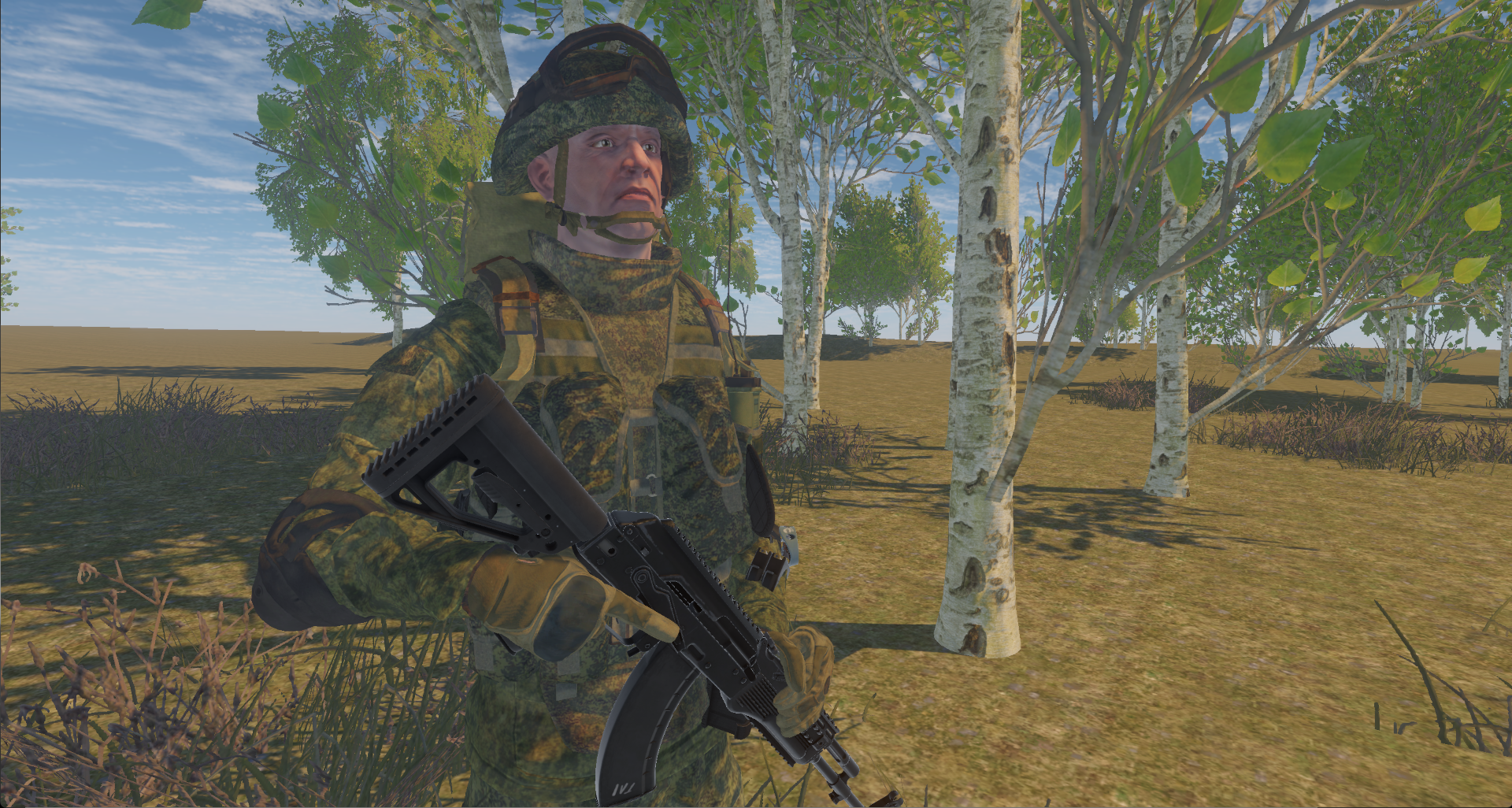
Inspired by the realistic military simulator SQUAD , as well as the ARMA series, we decided to bring this concept to VR.
We chose the BONELAB sandbox – a first-person shooter known for its flexibility in modding.
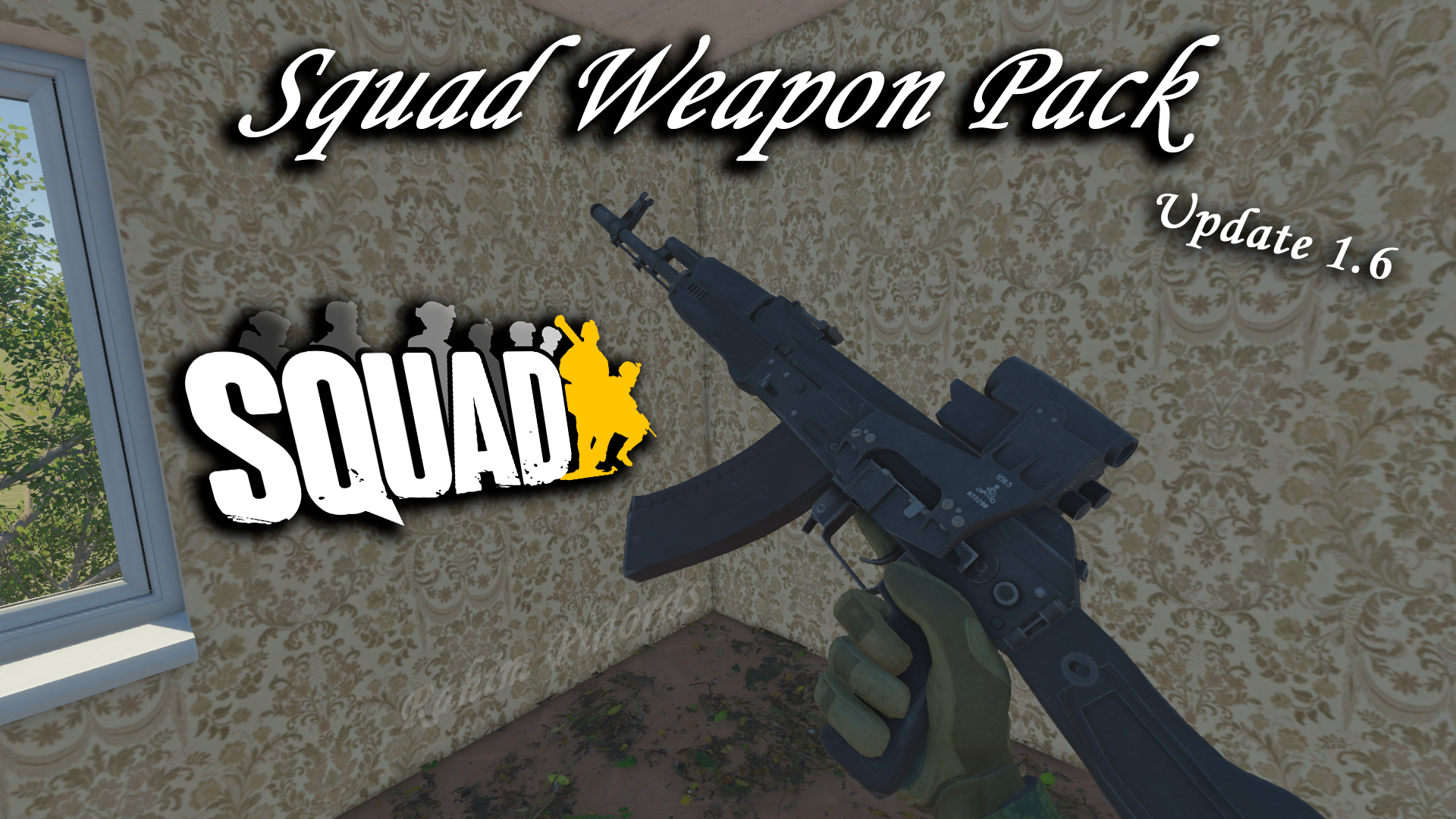
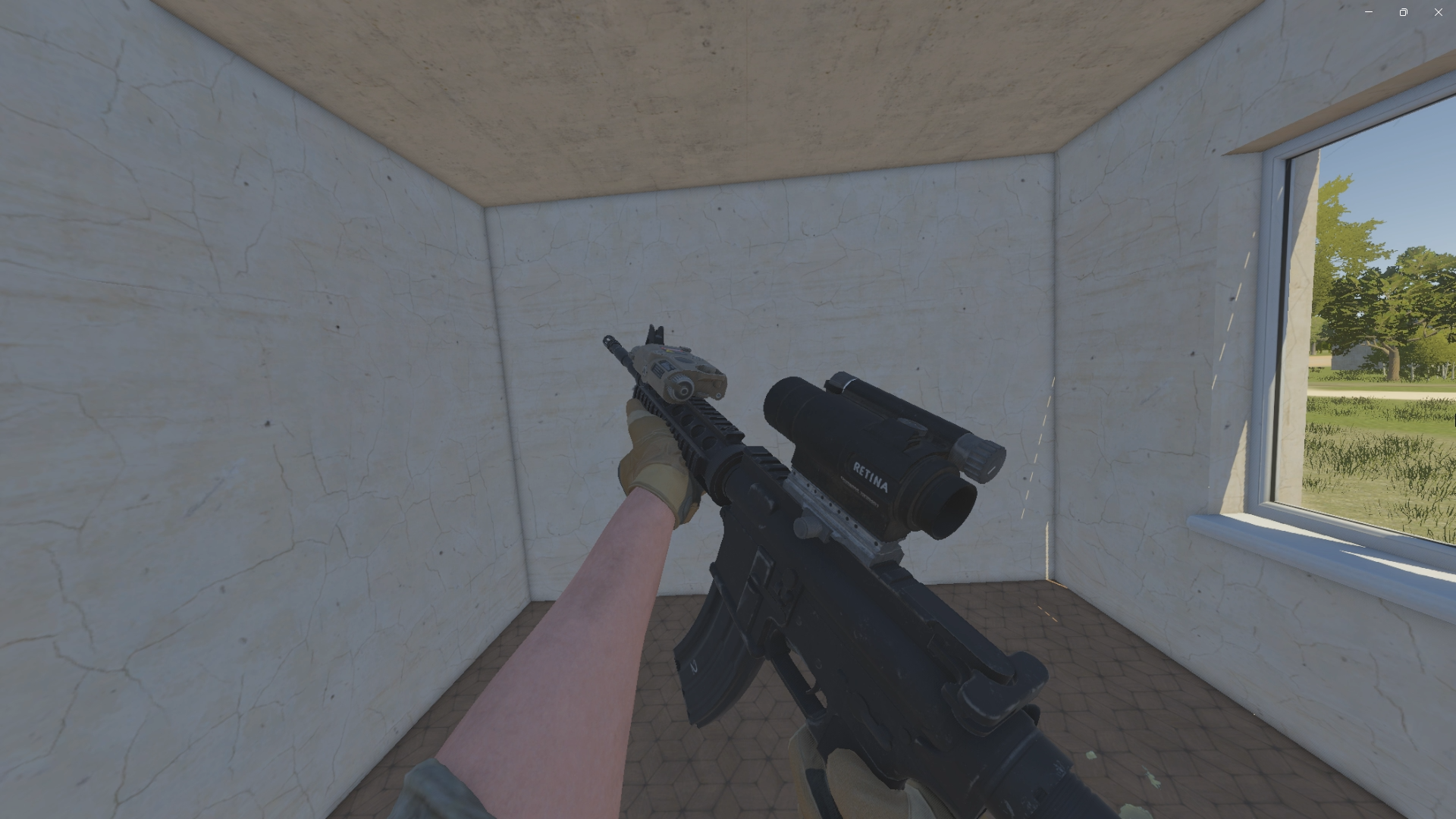
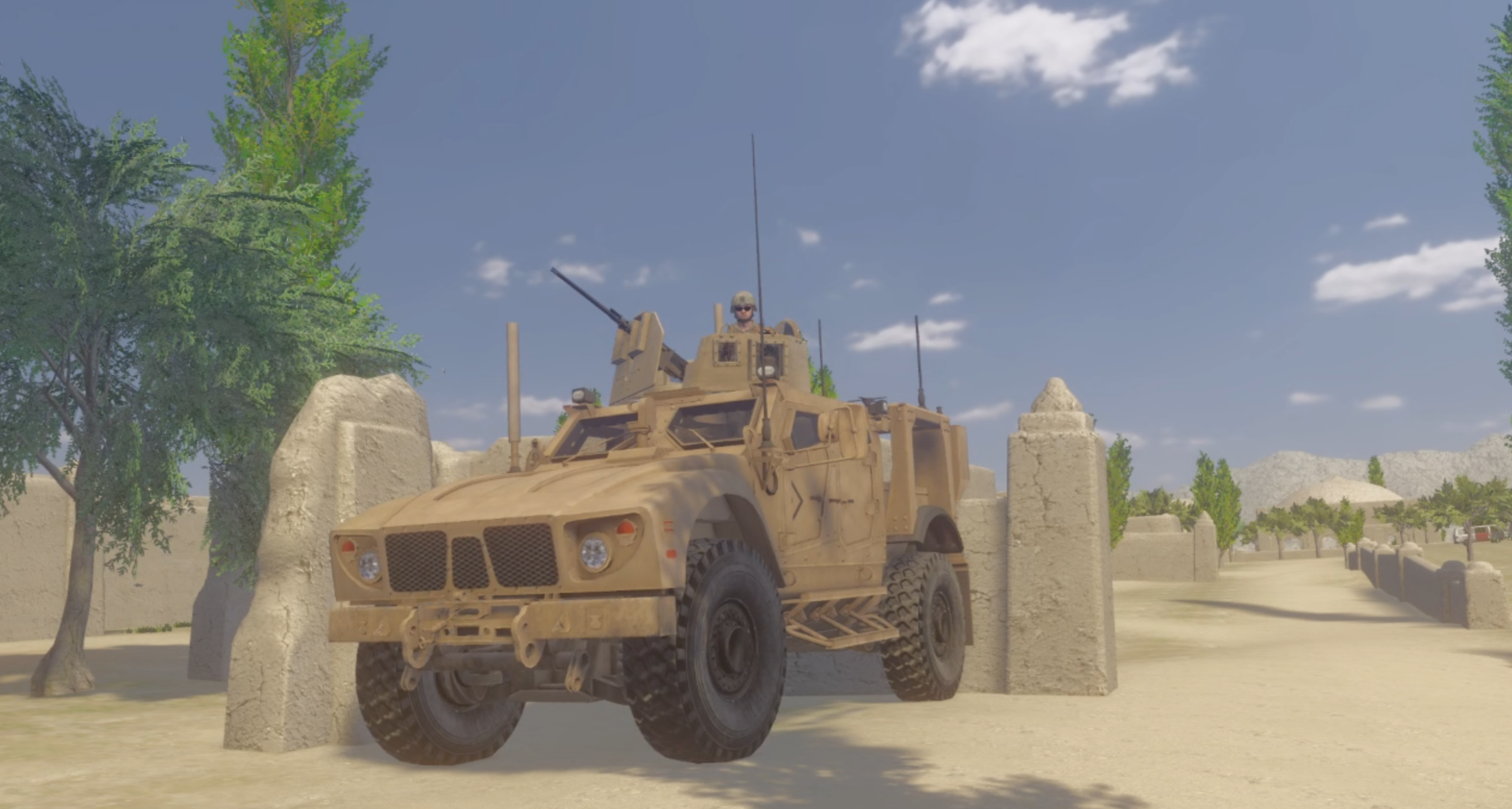
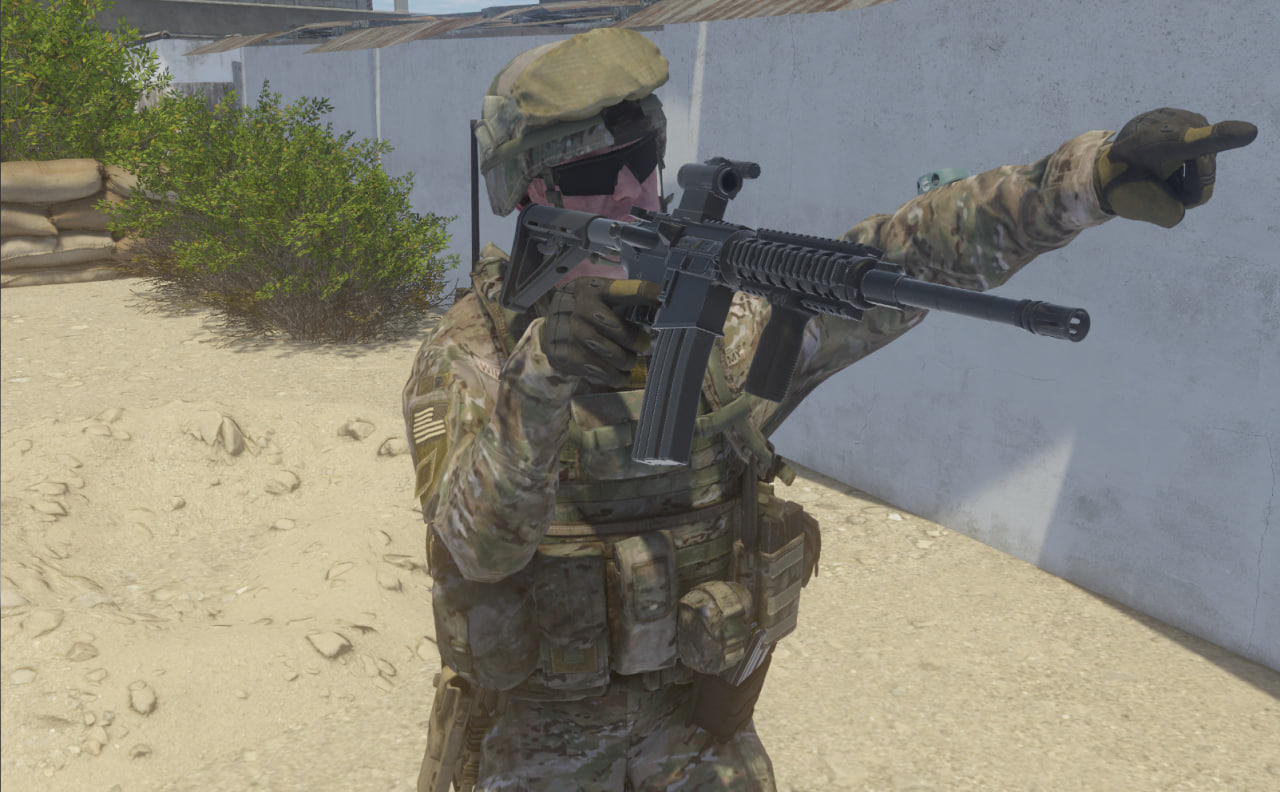
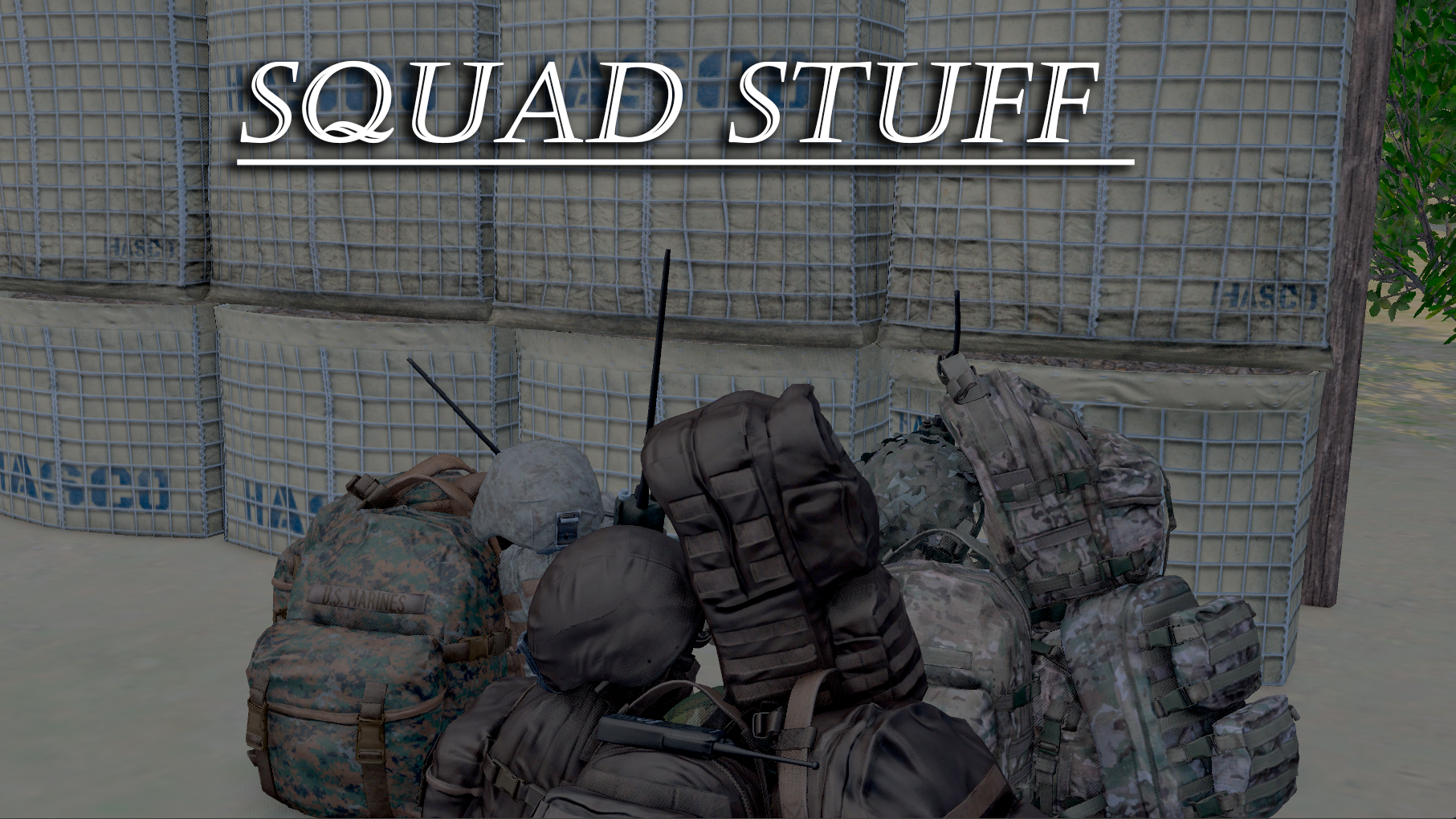
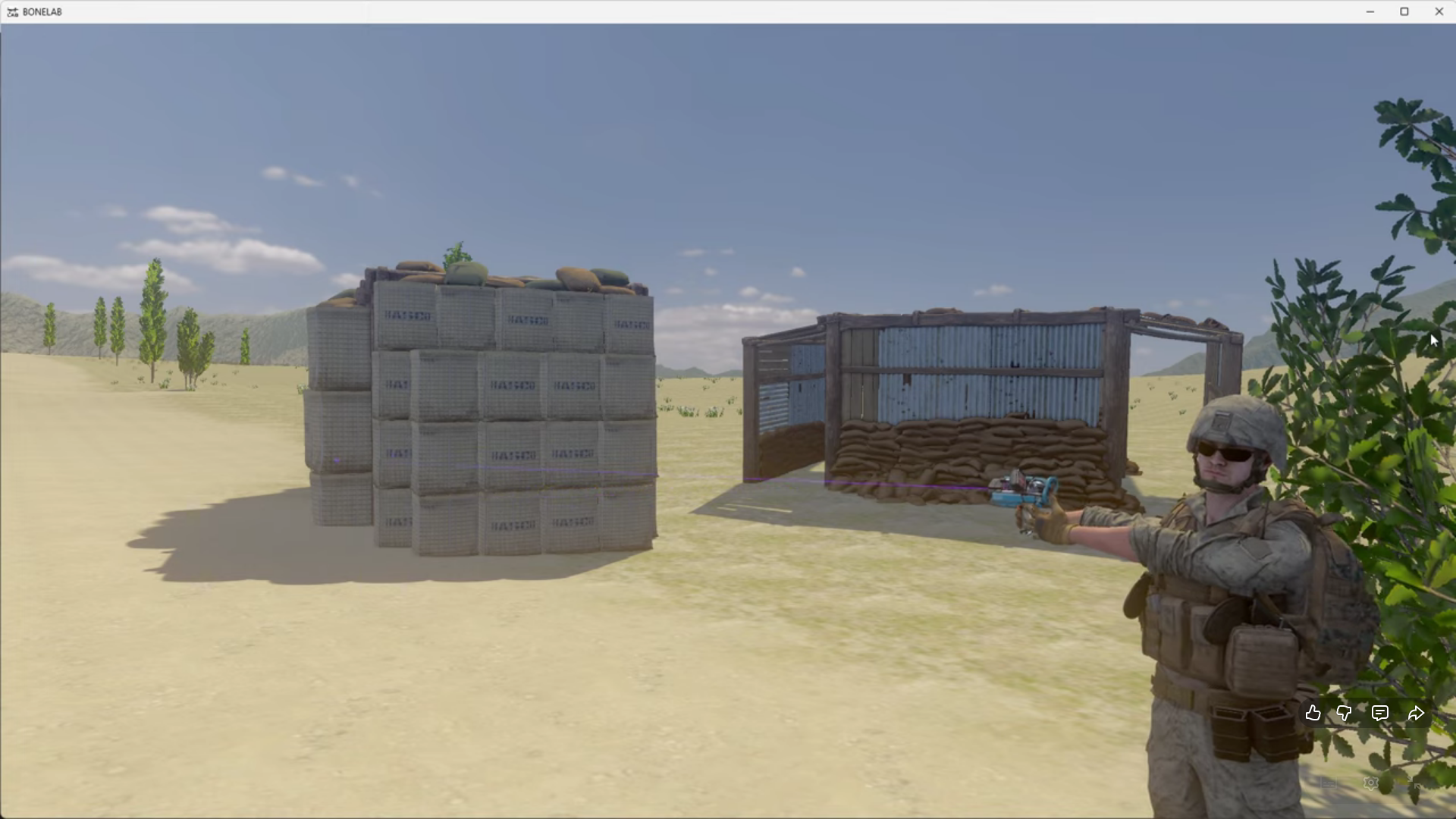
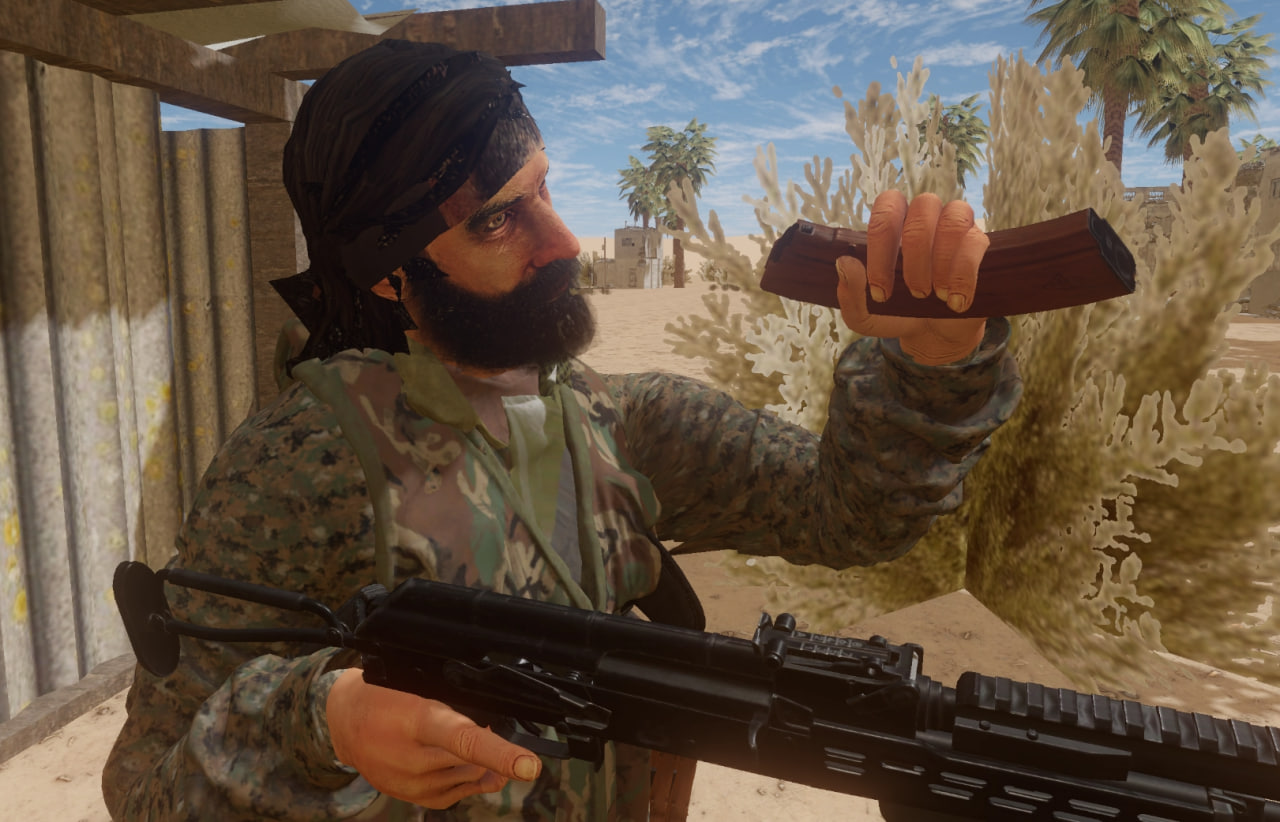
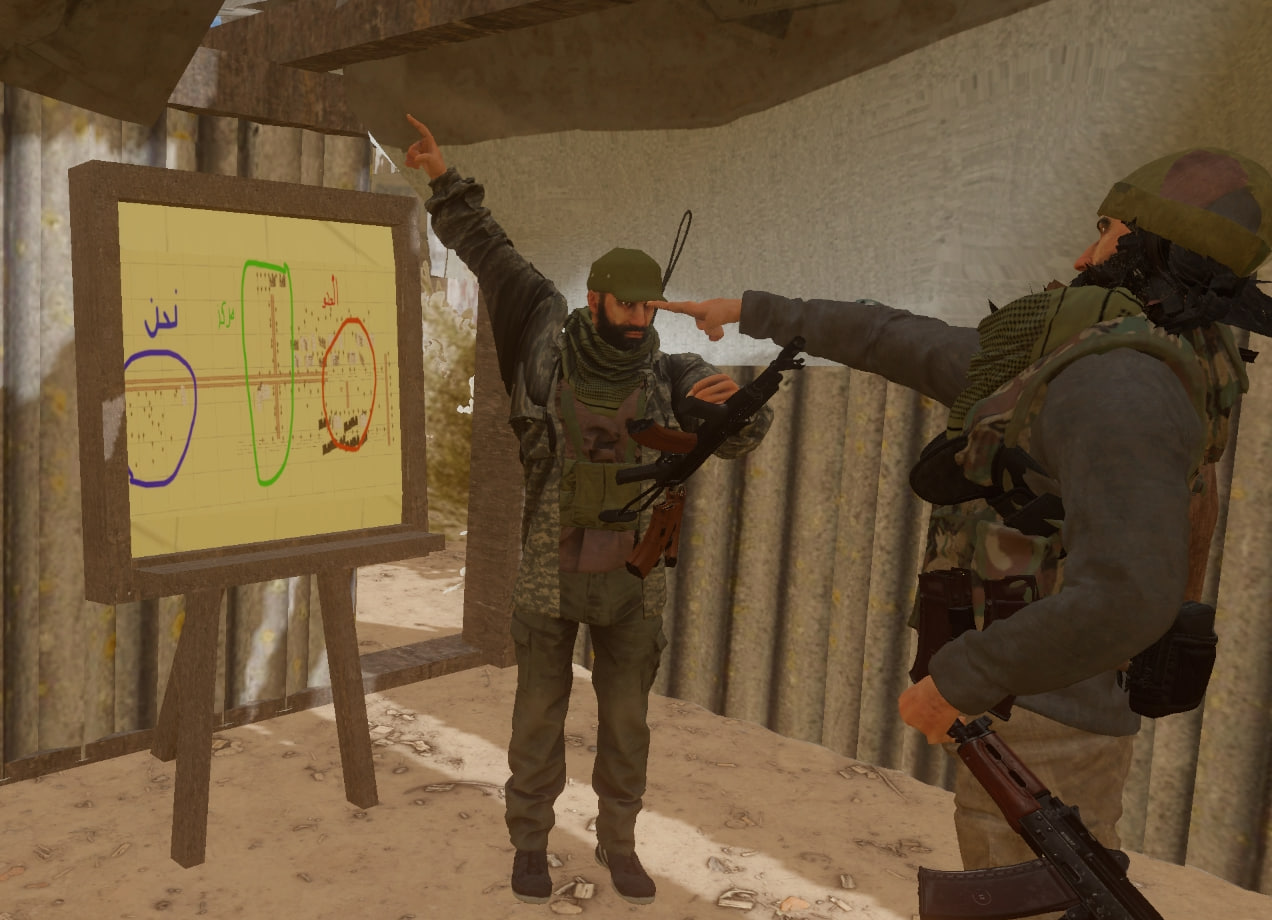
Kikelap (klap) — one of the admins, ports weapons, avatars, vehicles, props, etc. from Squad to Bonelab, and also creates custom game maps.
Lunobe — the second admin, writes code mods that add new mechanics and realism to the game.
We strive to recreate the atmosphere of real combat as closely as possible – through mods, thoughtful mechanics, and adherence to RP rules.
If you are interested – join our Discord server and jump into the game.
Age Restriction: 15+
This isn't an arcade — immersion comes first.
We're looking for players who respect the atmosphere, follow the rules, and understand that Military RP works only when everyone takes it seriously.
Game Rules
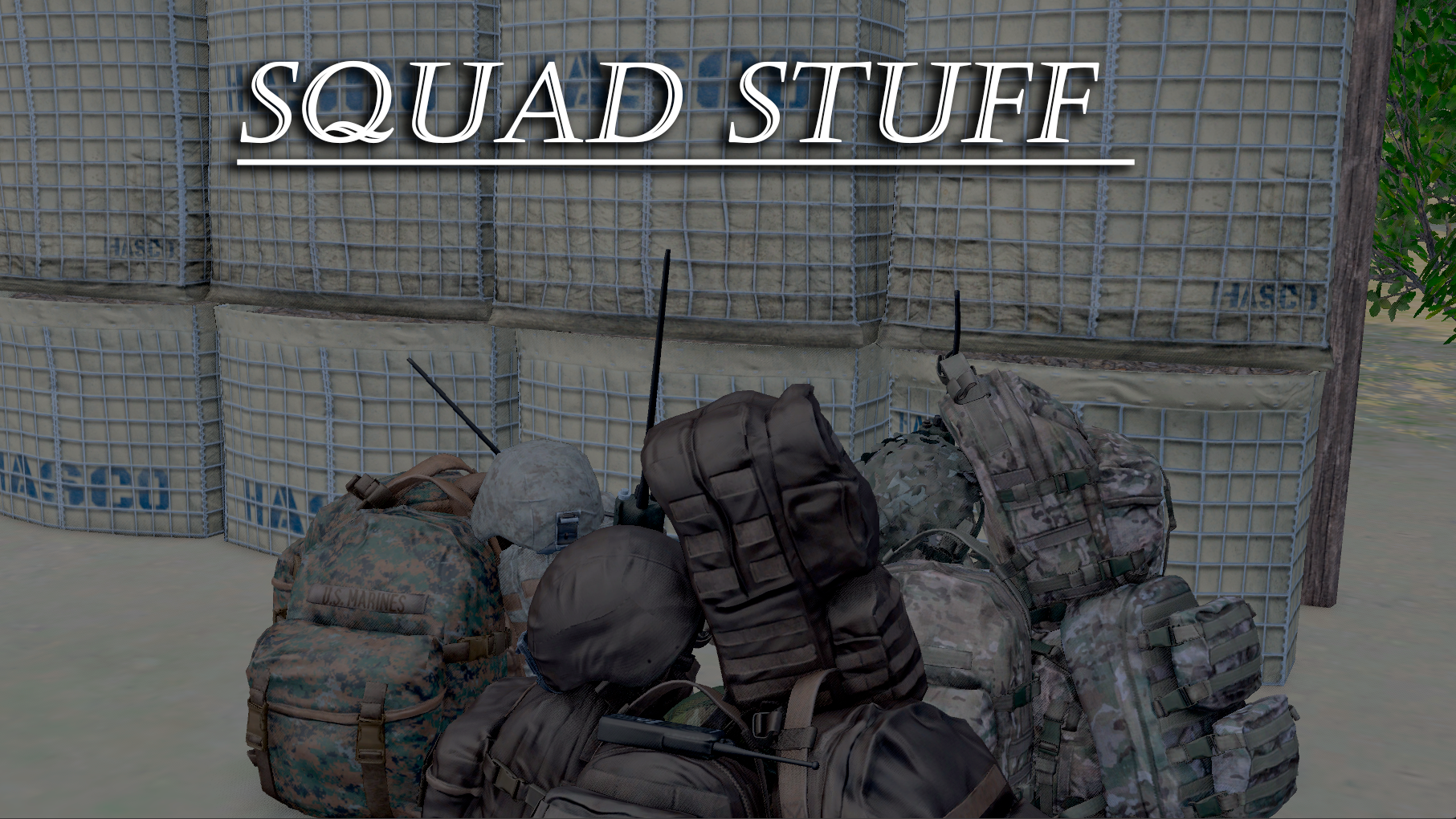
Rally Point - A portable beacon bag that allows you to deploy a temporary respawn point. Used to hold positions, conduct offensives, and continue fighting away from the main base.
- Permissible distance for placement from enemy base: < 300 m.
- Number of respawns - 5 per one placed bag.
- You can resupply ammunition from the bag - maximum 5 resupplies from one bag.
Setup Rules
- You are allowed to have only 1 active Rally Point at a time.
- Moving the bag after placement is prohibited.
- To get a new bag, you must return to the main base.
- Carrying multiple bags at once is prohibited.
- Placing Rally Points in multiple locations simultaneously is strictly prohibited.
Bag Destruction
- Enemy Rally Point can be destroyed by explosion or fire.
- After destruction — remove manually using the ToolGun .
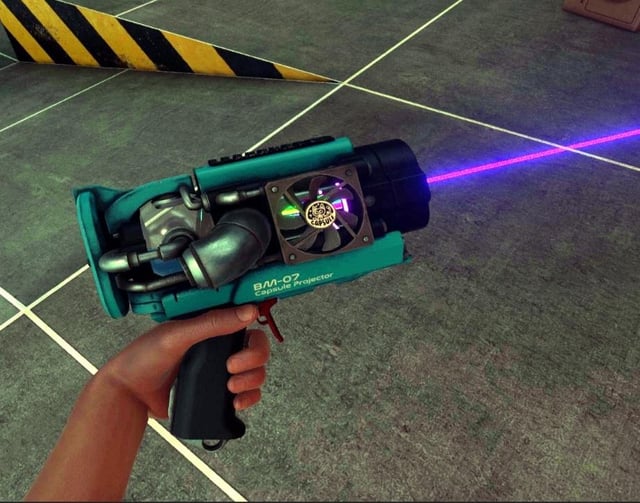
Respawn
- After death — fly to your respawn point using the NimbusGun .
- Fly only under the map - to avoid breaking RP with "flying people".
- If there are enemies in the area where your bag is placed - you cannot respawn near it.
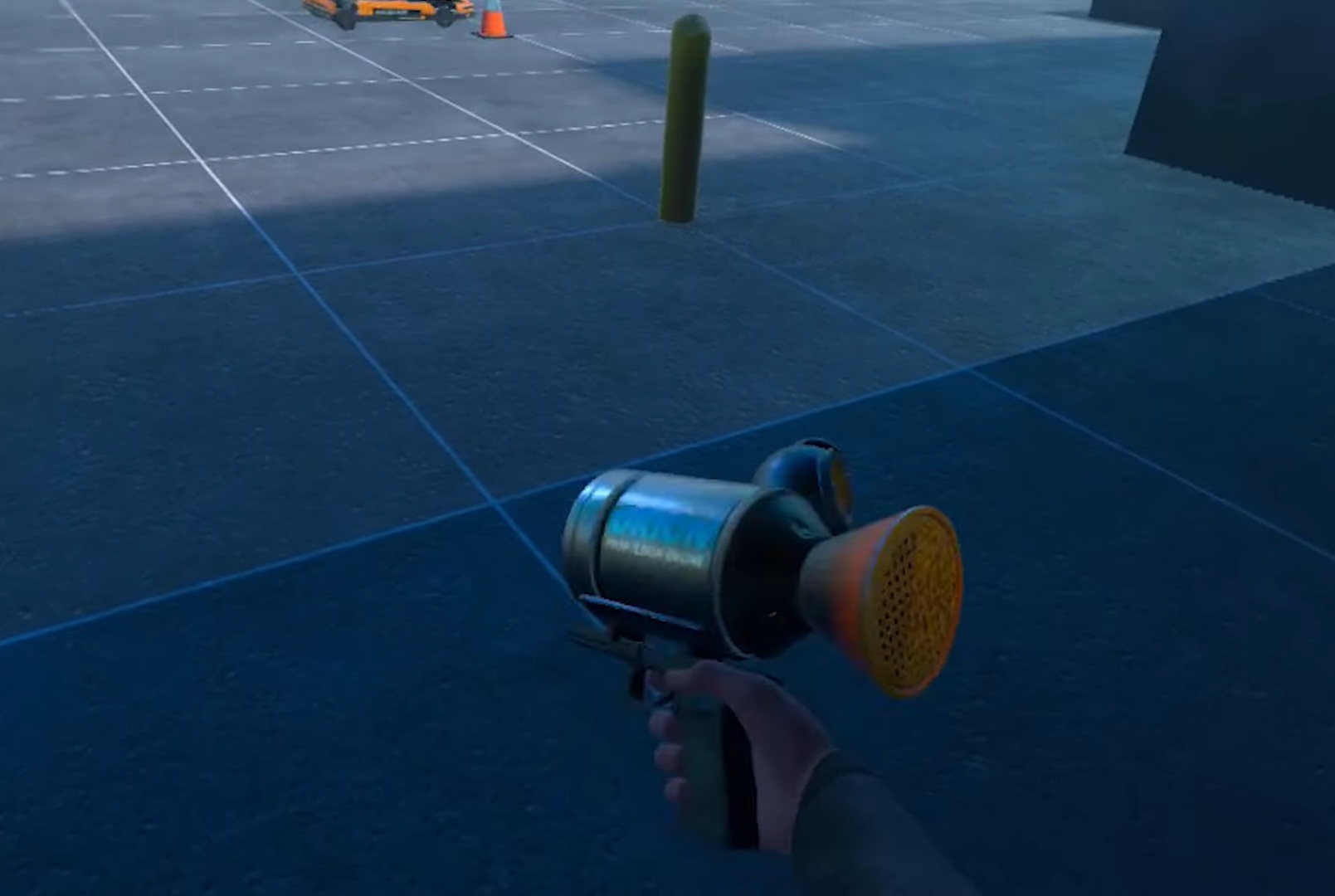
When Spawns Run Out
- If the respawn limit is exhausted, you cannot respawn near this bag.
- 1. Remove the previous Rally Point with the ToolGun.
- 2. Return to base and take a new bag.
Weight and Transportation
- Rally Point has significant weight.
- It is recommended to use a vehicle or assistance from a teammate.
- The heavy weight is justified by the high respawn limit.
Team Restrictions
- Only the squad leader, or a soldier acting on his order, can place a Rally Point.
- The bag is activated only after placement.
- 5 bags are available for each team for the entire match.
- If the bag limit is exhausted — replenishment after 15 minutes of real time.
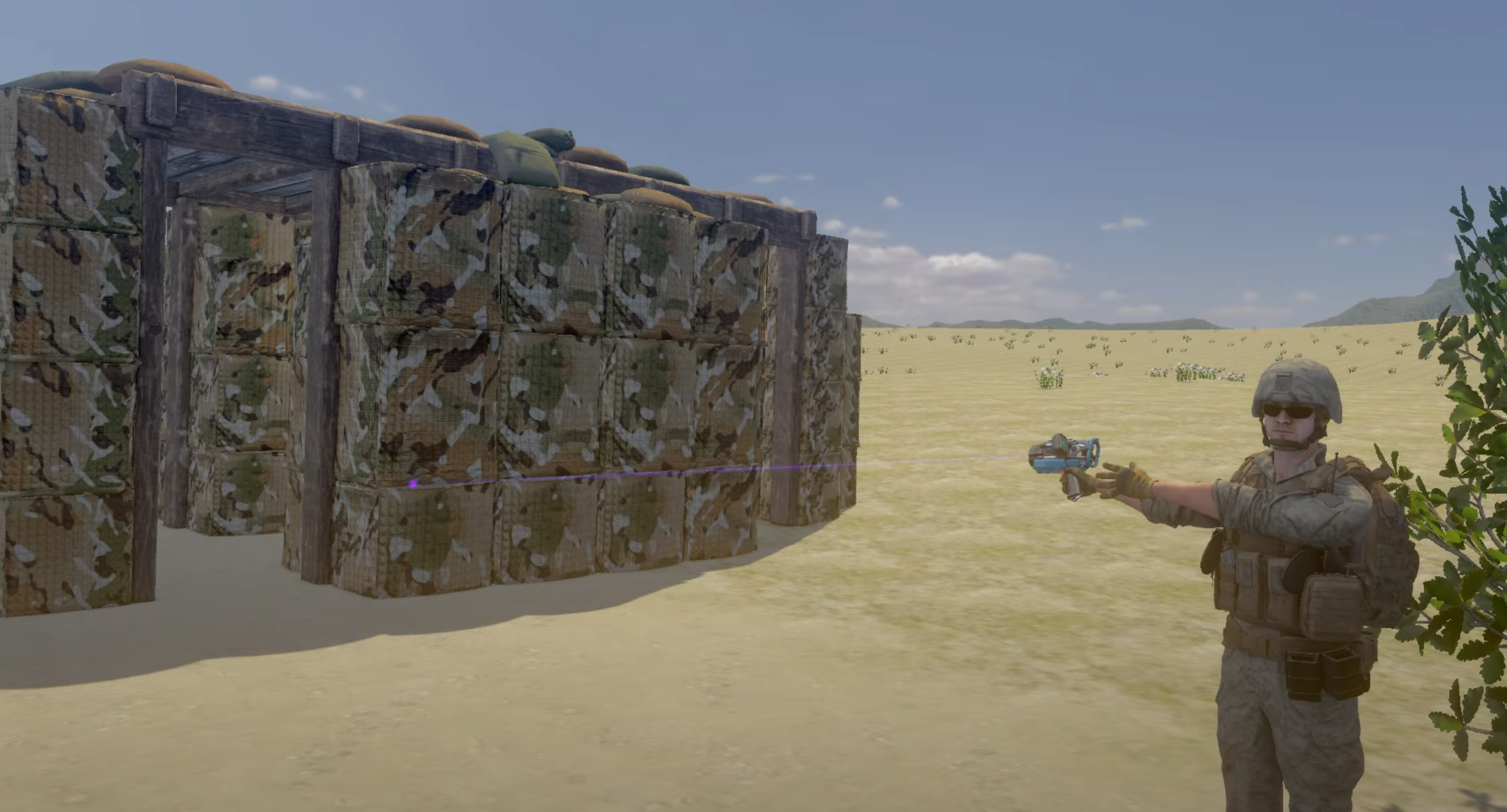
HUB/FOB - A mini-base serving the same purposes as the Rally Point. The only differences between them are as follows:
- Number of respawns - 10 times (instead of 5 like Rally Point).
- Transporting the hub can only be done with a vehicle. (unlike Rally Point which can be carried on foot)
(Of course, you can't fit an entire mini-base into a car. Instead, drive the car to the placement point and spawn the hub there using the ToolGun)
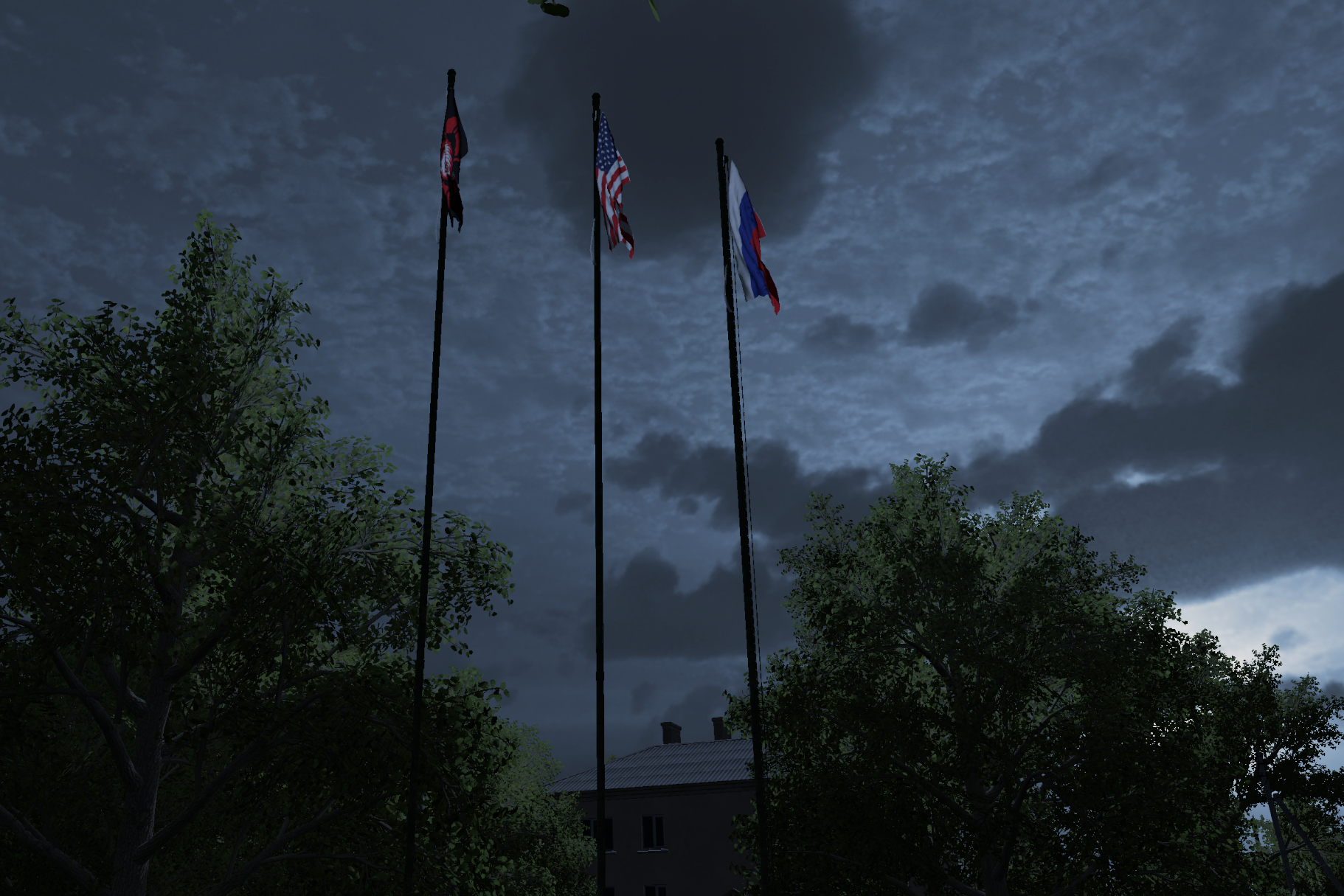
- Flags - are needed to mark captured points.
- One simple rule: to capture a point, you need to stay on it for exactly 1 minute. After that, you place your team's flag using the ToolGun.
- To take a point, you need to stay on it for 1 minute in the same way, then remove the enemy flag and place your own.
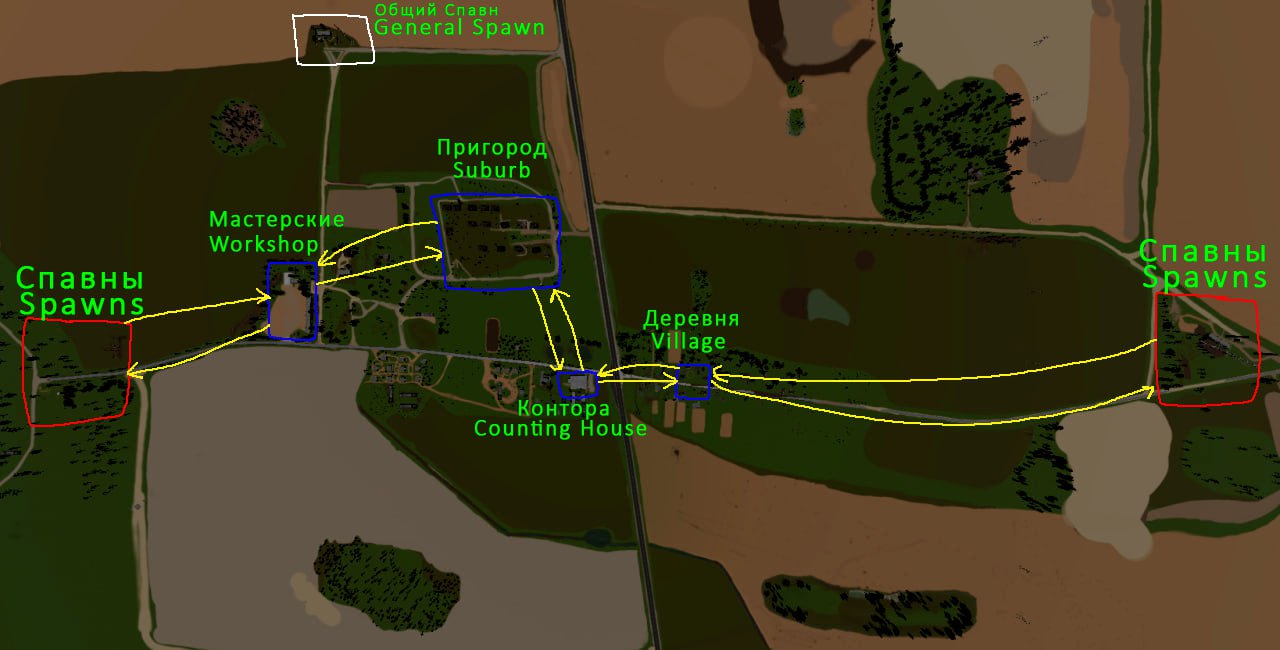
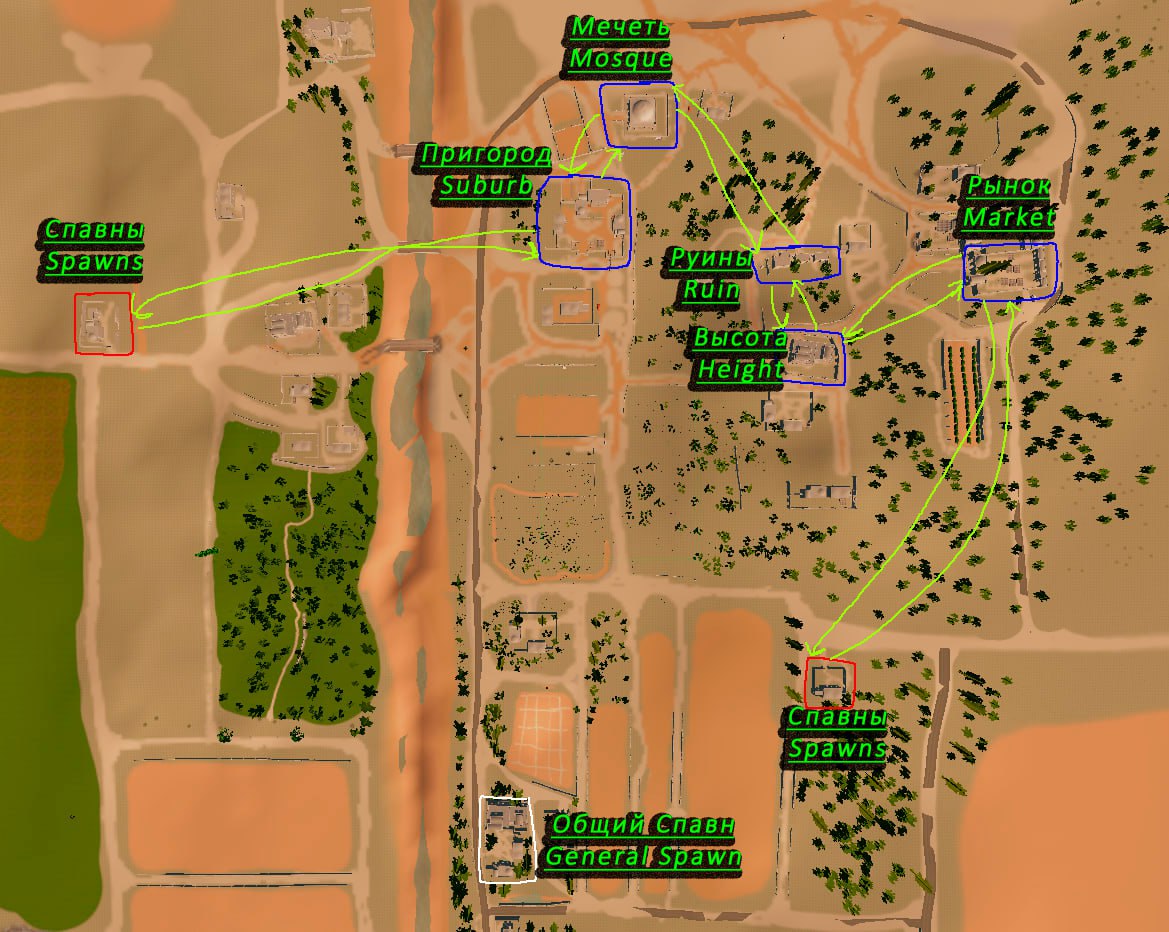
This is the map we play on.
- The white color marks the main spawn. Do not spawn there during the match — fly to the base/hub/rally point.
- The red color outlines the teams' territories — you can spawn anywhere within these territories.
- The blue color marks the points we fight over.
Other
- Days: Saturday, Sunday
- 16:00 - 21:00 MSK (UTC+3)
- We will ping you half an hour before the scheduled time, so you have time to prepare. Namely:
-
- Make sure you have correctly installed all mods.
- Familiarize yourself with the game rules.
- Charge your headset to 100%.
If the game is canceled, we will not ping you.
You were pinged - we will play.
Mods
Below is an archive for downloading all necessary mods to play on our server.
-
If needed, each mod can be downloaded separately.
Original mod.io pages are also provided. - Mod information is updated every half an hour.
- Mods by Kikelap
-
Kikelap.CasualInsurgentSquad not on mod.io
-
Kikelap.FPVDroneAvatar not on mod.io
-
Kikelap.MilitaryCamp not on mod.io
-
Kikelap.USAARMYSQUADPART2 not on mod.io
- Other
You can also download mods by subscribing to the mod collection on mod.io.
(Not recommended, as some mods are not included in the collection and can only be downloaded from this site.)
1. Download and extract the mods.
2. Install all mods to the following path:
C:/Users/%username%/AppData/LocalLow/Stress Level Zero/BONELAB/Mods
Code Mods
Code mods differ from regular ones in that they change the game's code itself.
Download:
Lakatrazz-Fusion-1.13.1.zip (thunderstore.io)
Lunobe-BulletWhiz-1.0.2.zip (thunderstore.io)
Lunobe-SoundFalloff-1.0.1.zip (thunderstore.io)
SharkiCorp-ShellShock-1.1.0.zip (thunderstore.io)
Lakatrazz-Ragdoll_Player-1.3.0.zip (thunderstore.io)
MajedCT-RagdollFix_Patch6-1.1.1.zip (thunderstore.io)
CAitVR-SetRespawnPoint-1.0.2.zip (thunderstore.io)
MelonLoader is a mod loader for Unity games. It is needed for script mods to work.
1. For MelonLoader to work, you need to install the following components:
1.1 Microsoft Visual C++ 2015-2019 Redistributable 64 Bit
1.2 .NET Runtime 6.0
2. Now install MelonLoader itself:
2.2 Run MelonLoader, click on BONELAB. Then select the latest version and click the "Install" button.
2.3 Launch the game once so MelonLoader initializes its folders.
In the game's root folder, three folders will appear: Mods, Plugins, and UserData. You install Fusion and any other script mods into these folders.
Let's move on to Fusion itself.
1.1 Extract the previously downloaded archive.
1.2 Move LabFusion.dll to the Mods folder.
Make sure Steam is installed, running, and you are logged into your account.
This is necessary for Fusion, even on Oculus PC, as the mod uses Steam Networking to connect to other players.
You also need to have SteamVR installed, even if you don't use it.
If you see servers in the server list but can't connect to them, try disabling Firewall
Also disable any VPN/Proxy.
2. Install the following mods into
C:/Users/%username%/AppData/LocalLow/Stress Level Zero/BONELAB/Mods
3. Enter the game.
3.1 In the radial menu, go to settings and select Fusion.s
3.2 Enjoy the game!
When installing any script mods, the downloaded archive will most likely contain one or more folders, the contents of which must be placed in the appropriate paths in the root folder of the game.
Mods - into the Mods
Plugins - into the Plugins
UserData - into the UserData
Example:
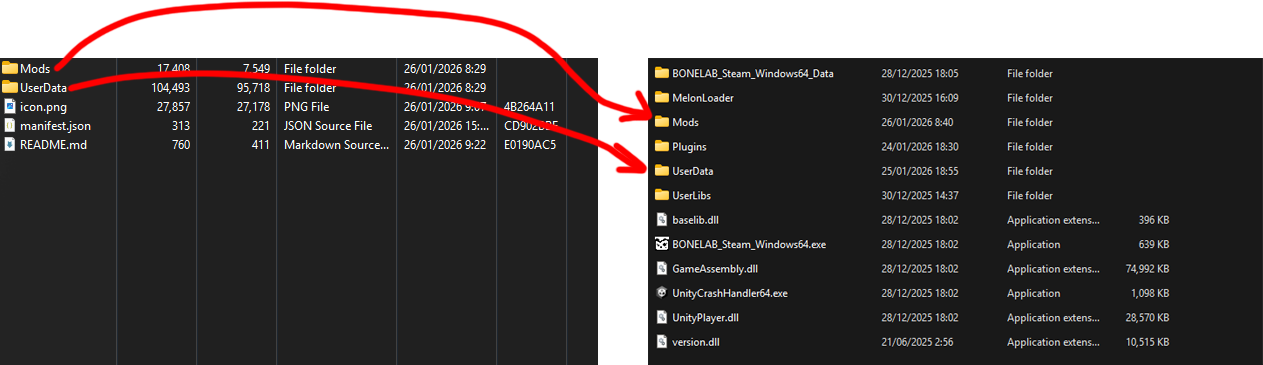
Other files, such as icon.png, manifest.json, README.md and others, can be deleted.